Databricks Notebooks
Agenda
The agenda for this will be
- What is Databricks Notebooks and why are they useful.
- The course material.
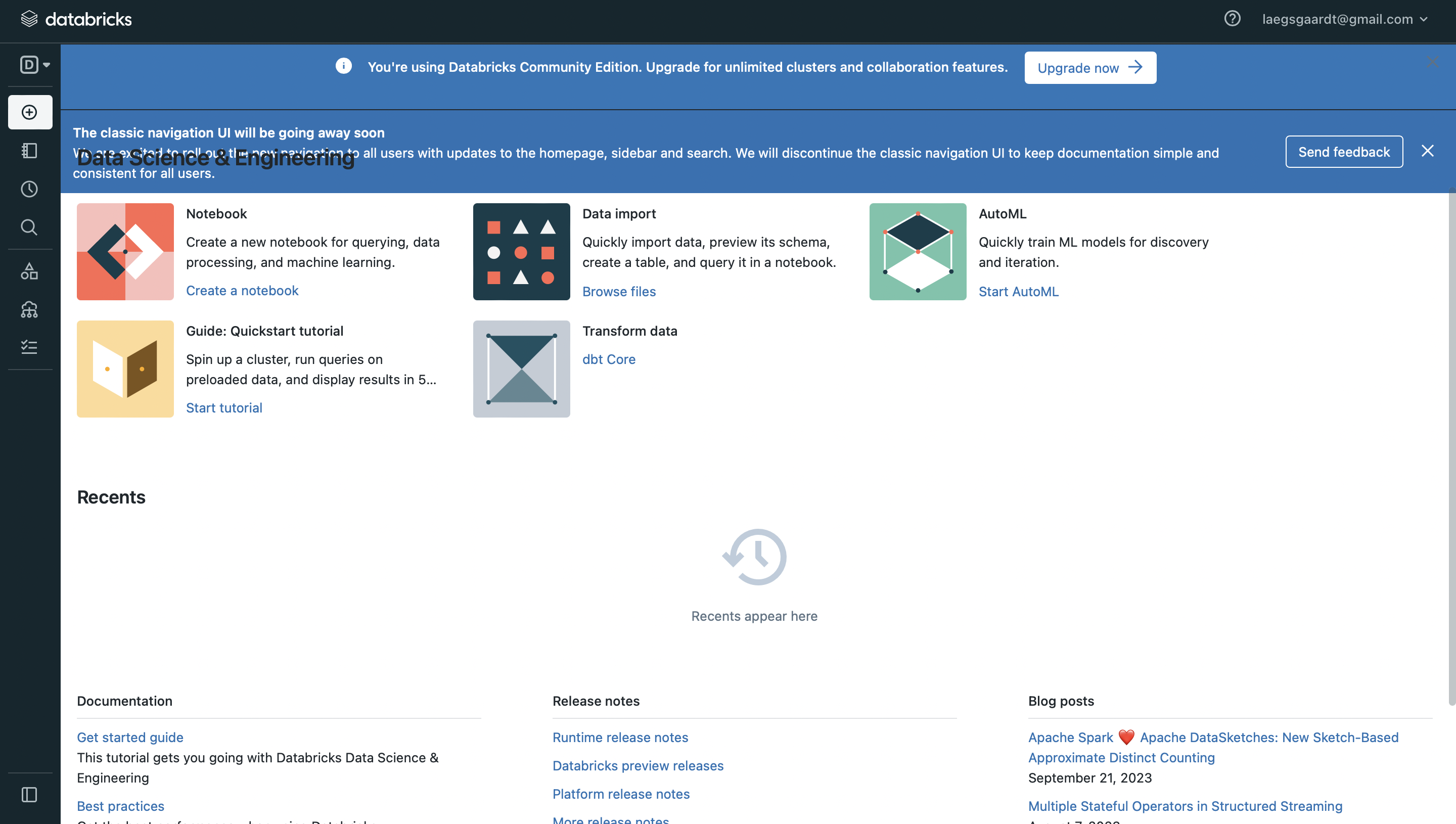
Course Material
Code Cells
A code cell can evaluate code written in it.

Click  to run the cell. You can run the entire notebook by clicking
  at the top.
Markdown
Write markdown in a code cell to document the steps in your notebook using the %md magic function.
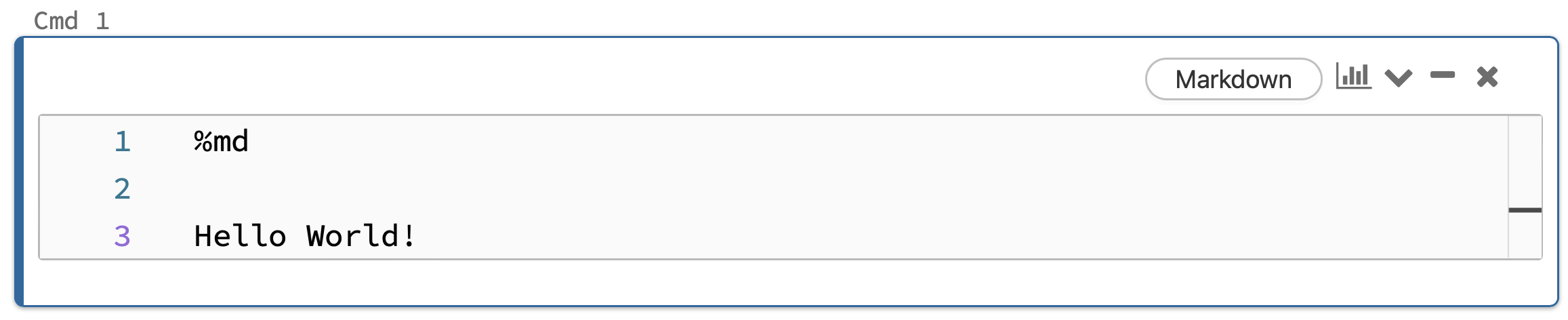
Markdown: Text Formatting
This is the input
*This is Italic text*
**This is Bold text**
# First-level header
## Second-level header
This is the output
This is Italic text
This is Bold text
First-level header
Second-level header
Markdown: Math with Latex
This is the input
LaTeX math expressions inside a pair of dollar signs $\alpha+\beta$ is inline.
LaTeX math expressions inside a double pair of dollar signs is displayed
$$\frac{1}{n}\sum_{i=1}^nX_i$$
This is the output
LaTeX math expressions inside a pair of dollar signs $\alpha+\beta$ is inline.
LaTeX math expressions inside a double pair of dollar signs is displayed
$$\frac{1}{n}\sum_{i=1}^nX_i$$
More Magic Functions
%mdMarkdown%sqlSQL%scalaScala%pythonPython%rR%shShell%fsDatabricks File System%runRun other notebooks


Exercise 2.1.
- Sign up for Databricks Community Edition: https://docs.databricks.com/en/getting-started/community-edition.html (Important: Click:
Get started with Community Editionin step 3.) - On the left hand side click on the workspace buttom:

- Click on the
Sharedfolder and then right click and selectimport. Clickbrowseand selectapplied_data_science_with_pyspark.zipfrom the Desktop.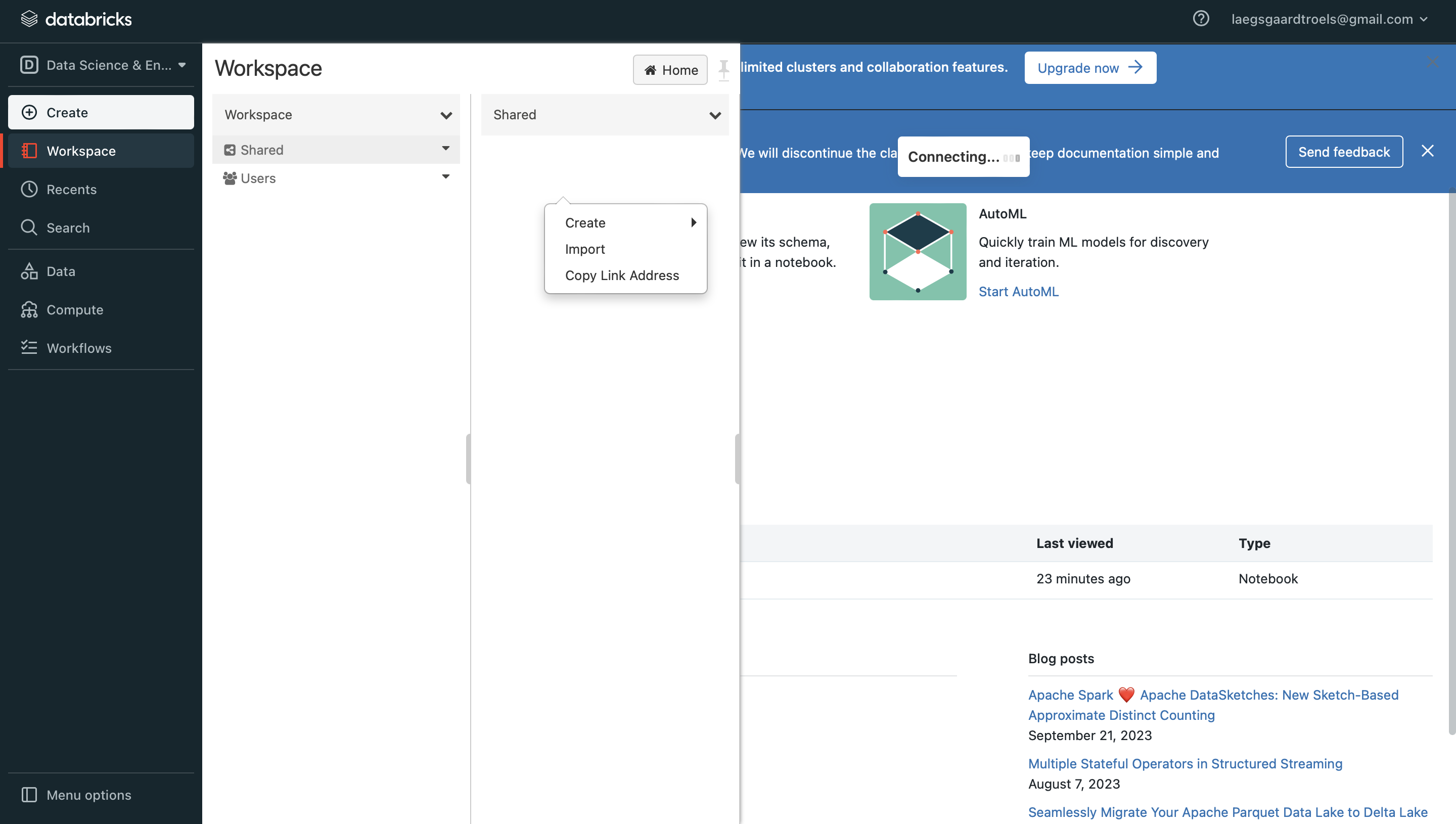
- Click again on and open the notebook
Shared/applied_data_science_with_pyspark/2_databricks_notebooks/2_1_exerciseand start the exercise.